
UZ7HO’s Soundmodem Installation
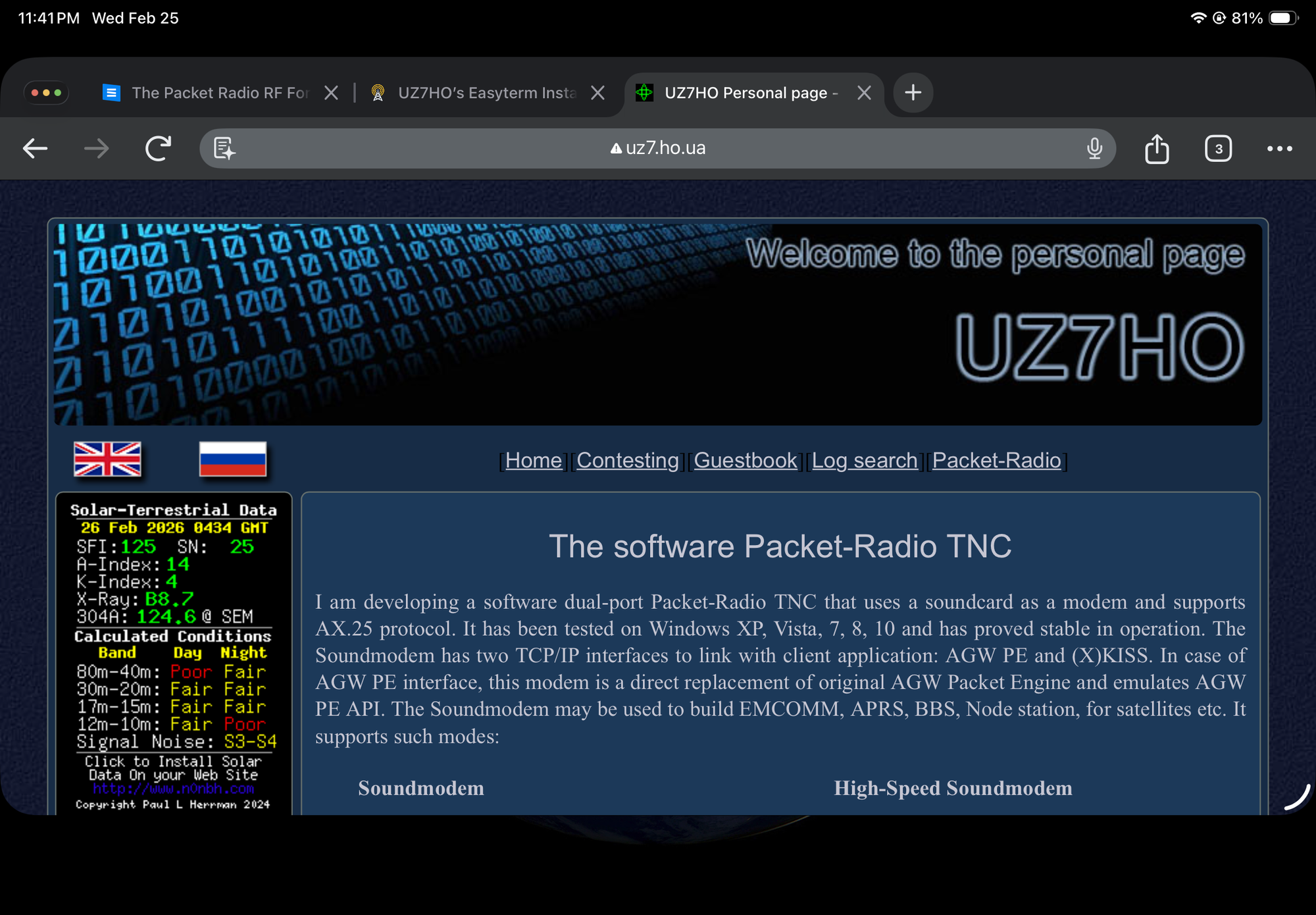
UZ7HO’s Soundmodem is the gold standard for software-based packet radio. It acts as a "Software TNC," turning your computer's sound card into a modem that can decode and encode AX.25 packets.
1. Installation & File Preparation
Soundmodem is portable software, so it doesn't have an installer. Proper folder placement is key to making the PTT driver work.
1. Download: Go to the UZ7HO Packet-Radio page.
2. Required Files:• soundmodemXXX.zip (The main application).• ptt-dll.zip (The external PTT driver/library).
3. Extract:
* Create a folder such as C:\HamRadio\Soundmodem.
• Unzip soundmodem.exe into this folder.
• Crucial Step: Unzip the contents of ptt-dll.zip (specifically ptt.dll) into the same folder as soundmodem.exe. If the DLL is not in the same directory, the "EXT" PTT option will not function.
2. Basic Device Configuration
Before the radio can transmit, Soundmodem needs to know which sound card to "listen" to.
1. Run soundmodem.exe.
2. Go to Settings > Devices.
3. Input/Output: Select your radio interface’s sound card (e.g., "USB Audio CODEC" for Signalink or Icom/Yaesu built-in cards).
4. Server Setup: Ensure AGWPE Server Port (8000) or KISS Server Port (8001) is checked, depending on which terminal software (like EasyTerm) you plan to use.
3. Adding & Configuring the PTT Driver
This is where you tell the software how to trigger the radio to transmit.
1. In the same Settings > Devices window, look for the PTT Port dropdown.
2. Select "EXT": This tells Soundmodem to use the ptt.dll driver you added earlier.
3. Click OK. You may see a pop-up saying the device could not be opened yet—this is normal.
4. Now, the Advanced PTT Settings button (at the bottom of the Devices window) will become clickable. Click it.
5. Configure Driver:
• For COM Port PTT: Select your serial port and choose RTS or DTR (RTS is standard for most interfaces).
• For CAT Control: Select your radio model (e.g., "IC-7300") and the correct COM port/baud rate to key the radio via data commands.
• For CM119/GPIO: If using a specialized interface like a Masters Communications DRA or a modified CM119 sound card, select the CM119 option.
6. Click Test to ensure your radio keys up (red TX light turns on).
4. Modem Calibration
1. Go to Settings > Modems.
2. Modem Type: Usually AFSK AX.25 1200bd for VHF/UHF.
3. Volume: Start with your radio’s volume (RX) high enough that the "waterfall" at the bottom of Soundmodem turns green when static is present.
4. Transmit Level: Adjust the "TX Level" slider so your radio’s ALC (Automatic Level Control) is at a minimum during transmission.Would you like me to help you configure the specific CAT settings for your radio model to ensure the PTT driver works perfectly?Setup UZ7HO Soundmodem & Easyterm
Video Link: click here