
Install & Using QTtermtcp for Windows & Linux
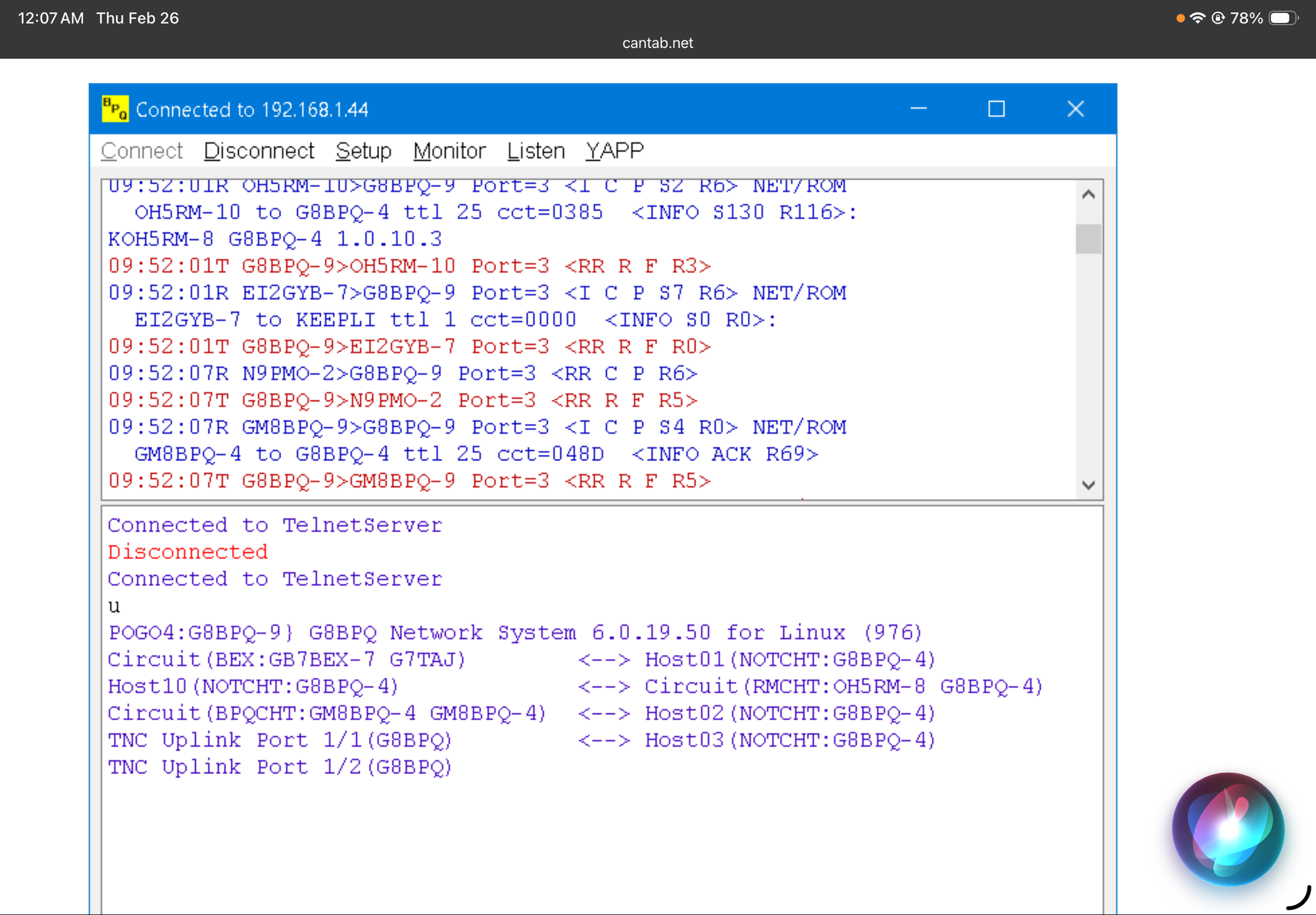
QtTermTCP, developed by John Wiseman (G8BPQ), is a versatile, multi-platform terminal available for Windows, Linux, and Android. It is highly regarded for its support of multiple modem types, including KISS TNCs and the high-speed VARA modem suite.
Below is a guide to getting started:
1. Installation
Windows
- Download: Obtain the latest binary (typically QtTermTCP.exe) from the G8BPQ Download Area.
- Location: Place the executable in a dedicated folder (e.g., C:\HamRadio\QtTermTCP), as it generates configuration files in its directory.
- Run: No formal installation is required; simply double-click the executable.
Linux (Ubuntu/Debian/Raspberry Pi)
- Install Dependencies:
sudo apt update && sudo apt install libqt5serialport5 libqt5widgets5 libqt5multimedia5
- Prepare Binary: Download the appropriate version (e.g., QtTermTCP64), make it executable with chmod +x QtTermTCP64, and launch it using ./QtTermTCP64.
2. KISS Modem Setup
KISS is the standard for packet radio, compatible with hardware TNCs (like NinoTNC) or software TNCs (like Dire Wolf).
- Navigate to Setup > KISS Setup and check Enable KISS Interface.
- Enter your Callsign (e.g., [Your Callsign]-7).
- For Hardware TNC (Serial): Select your COM port and Baud Rate (typically 9600 or 57600).
- For Software TNC (TCP): Set the device to TCP. Use IP 127.0.0.1 and Port 8001 (standard for Dire Wolf).
- Click OK; the status bar should display "KISS Connected."
3. VARA Modem Setup
QtTermTCP supports VARA HF, FM, and Sat. Ensure the VARA modem software is installed separately before following these steps:
- Navigate to Setup > VARA Setup.
- VARA Path: Point to your VARA executable (e.g., C:\VARA\VARA.exe). If left blank, you must start the modem manually.
- Ports: Use Port 8300 for HF or 8310 for FM.
- IP Address: Use 127.0.0.1 unless the modem is on a different machine.
4. Making Your First Connection
- Via KISS (Packet): Go to Connect > KISS Connect, enter the target callsign and any necessary digipeaters, then click OK.
- Via VARA: Go to Connect > VARA Connect. Verify the destination callsign and frequency. Ensure your radio is tuned correctly; VARA will manage the PTT via your modem settings.
Would you like me to provide specific port and PTT settings for a particular radio model to use with VARA?
Video Link: click here