
VarAC to BBS Bidirectional Routing Instructions
VarAC-to-Packet Gateway: User Guide
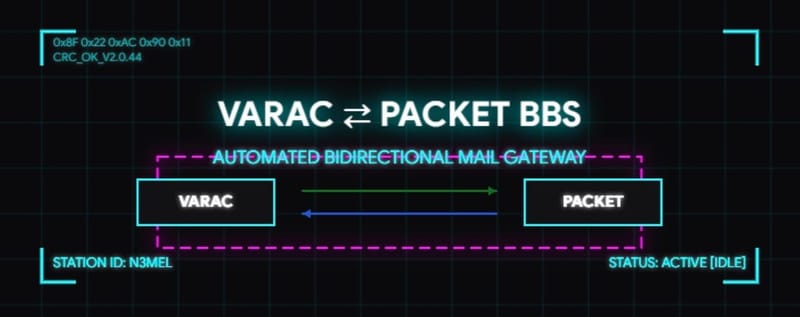
This gateway allows stations to exchange messages seamlessly between VarAC (HF) and the BPQ Packet BBS Network.
1. Sending a Message from VarAC to a Packet Station
To send a message from VarAC to a Packet user or BBS:
- Open VarAC and compose a new VMail (Outbox) message.
- In the Subject Line, specify the destination Packet callsign using the PACKET: trigger word.
- Subject Format: PACKET: [CALLSIGN]
- Examples:
- PACKET: NY3J
- packet: K3JSJ (Case does not matter)
- Type your message body as normal.
- Save/Send the VMail.
How it works: The gateway checks for unsent VMails, connects to the local LinBPQ node via Telnet, and routes your message directly to the recipient's Packet BBS inbox (SP [CALLSIGN]).
2. Sending a Message from Packet to a VarAC Station
To send a message from a Packet BBS terminal to a VarAC user:
- Connect to the Packet BBS (N3MEL / MELBBS).
- Send a standard private message to the gateway station (SP N3MEL or SP VARAC).
- In the Subject Line, specify the target VarAC callsign using the VARAC: or [VARAC] trigger word.
- Subject Format: VARAC: [CALLSIGN] or [VARAC] [CALLSIGN]
- Examples:
- VARAC: NY3J
- [VARAC] K3JSJ
- Type your message text and finalize it using /EX on a new line.
How it works: The gateway checks the BPQ POP3 server, extracts messages with the VARAC: tag, and stages them directly into the recipient's VarAC VMail Outbox/Inbox so it can be delivered over HF.
Tips & Best Practices
- Subject Line Formatting: Always place the trigger word (PACKET: or VARAC:) at the beginning of the subject line to ensure reliable automatic parsing.
- Capitalization: The gateway accepts both UPPERCASE and lowercase text for triggers and callsigns (packet:ny3j works the same as PACKET:NY3J).
- Delivery Time: Sync loops run automatically in the background (typically every 5 minutes), so please allow a few minutes for messages to cross network bridges.