
PKTNET Check-in Option Via Any Web Browser
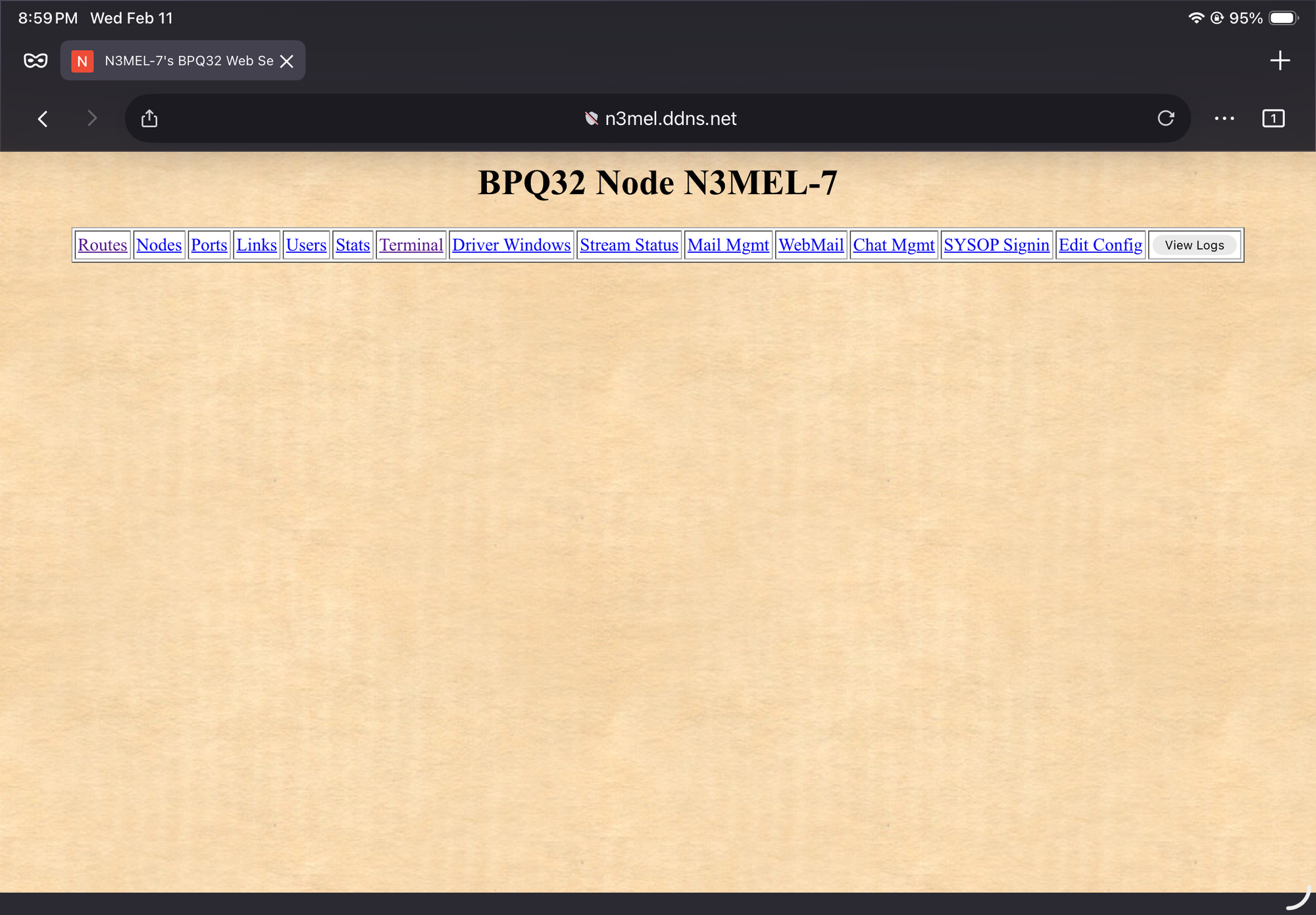
Follow these instructions if you would like to check into the net but don’t yet have a packet station.
1. On any web browser, use this URL: n3mel.ddns.net:8008 (enter)
2. At the top of the webpage, click on Terminal.
3. You will receive a User name & Password request.
The user name is your callsign>
The password is: n3melnode (all lower case, no spaces)
4. Once you are logged in, in the lower box at the bottom, type BBS (enter)
5. The system will ask for your name; please enter it then (enter)
6. To send your check-in, type: SB PKTNET@USA (enter)
7. System will ask for a title; enter: your call, town, state, TELNET
8. System will ask for Message Text. Enter Feb PKTNET check-in using TELNET and any other info you would like to provide. Use the enter key to add a new line to your message.
9. Once you have completed your message, you MUST enter a blank line at the end. Once you have a blank line, type: /EX (enter). The system should then show your saved message number, and your check-in is complete.
If you want to read your message, use the Read command syntax R msg# (R 1234) (enter)
For additional BBS commands, enter ? (enter) or enter B to leave.